
Smart meters explained: how to get one and use it
How to book a free smart meter, what the installer must offer you, the £40 payments if things go wrong, and how to use the display to understand your bills.
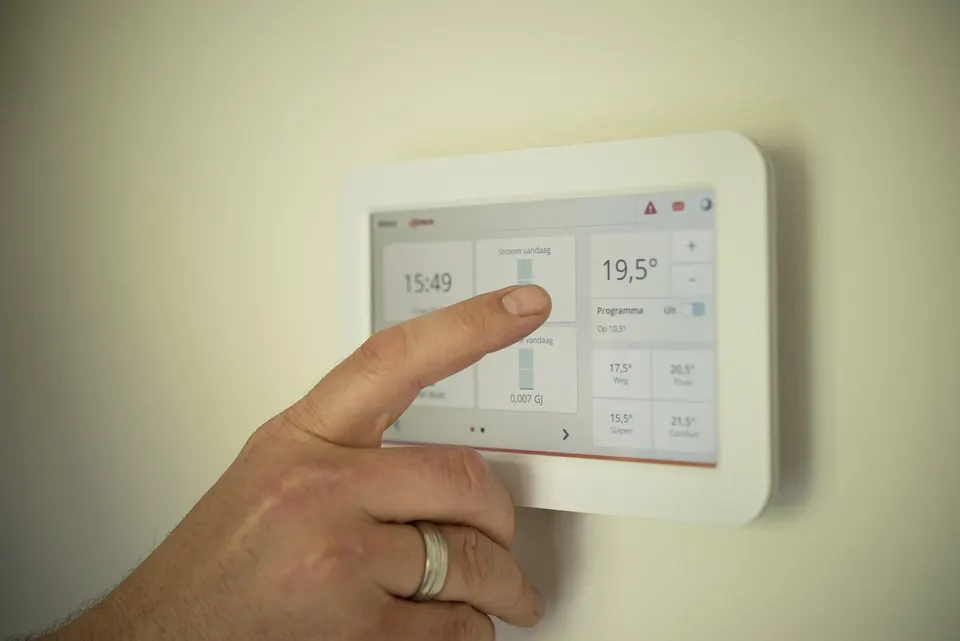
A smart meter will not cut your bills on its own. What it does is send your readings to your supplier automatically and show you, in close to real time, what your home is using. Used well, that information can help you spot waste and check your bills are right. This guide explains how to get one, what you are entitled to when it is fitted, what happens if it goes wrong and how to make the most of the display.
What a smart meter does
A smart meter records your gas or electricity use and sends the readings to your supplier. According to Ofgem, that means your bills are based on actual readings rather than estimates, so you should only pay for the energy you use.
It usually comes with an in-home display (IHD), a small screen that shows how much energy you are using through the day. A smart meter also gives you access to more flexible tariffs, including dual-rate tariffs where electricity costs less at certain times. If you pay as you go, a smart meter in prepayment mode can let you top up online or through an app instead of going to a shop.
How to get one, step by step
Ofgem says you can get a smart meter for free from your supplier.
- Contact your supplier. Ask for a smart meter installation by phone, online or through your account. Ofgem also says you can book through the Smart Energy GB website.
- Check it will work in your home. The government's statement of rights says you should be able to book an installation where the meter is expected to work in your property. Signal can be a problem in some buildings, so ask if you are unsure.
- Pick an appointment. Since February 2026, if you wait more than six weeks for an installation appointment, your supplier must pay you £40 automatically.
- Make sure the installer can reach your meters. Clear the cupboard and tell the supplier about any access issues before the day.
- Ask for the display and a demonstration. The installer should offer you an IHD and show you how it works. An accessible IHD is also an option if a standard screen does not suit you.
- Check your first bill. Once readings are flowing, your bill should show actual readings. Our guide to reading your energy bill shows where to look.
If you rent, the government has said it plans to legislate to strengthen tenants' rights to have a smart meter installed, when parliamentary time allows. Until then, it is worth checking your tenancy agreement and talking to your landlord.
Older meters that may stop working
Some homes have meters controlled by radio teleswitch (RTS), a signal often used for heating and two-rate tariffs. Ofgem says support for RTS meters has ended. They may stop working as expected and are harder to fix, so Ofgem suggests asking your supplier for a new smart meter if you have one.
If you are not sure what kind of meter you have, your supplier can tell you. It is also usually printed on your bill.
Your rights once it is fitted
The government's statement of rights sets out what you should expect:
- Automatic readings. Bills should be based on what you actually use.
- Control of your data. You should be able to control who sees your energy data, how often and for what. Regulated uses, such as billing, are the exception.
- Easy switching. You should be able to change supplier quickly without losing your smart service.
- Safe prepayment. A smart meter should only be in prepayment mode if it is safe and works for you, and you should be able to top up in person or remotely.
Ofgem says your data is used to bill you, to help run the energy system more efficiently and, only with your permission, to offer you new products and services.
When a smart meter goes wrong
Smart meters can stop recording use or stop sending readings. When that happens your bills may go back to estimates. If you suspect a fault, or your supplier spots one, it should investigate promptly and keep you informed.
Since February 2026, Ofgem's new guaranteed standards mean your supplier must pay you £40 automatically if:
- you wait more than six weeks for an installation appointment
- an installation fails because of a fault the supplier is responsible for
- you report a problem and it does not give you a plan to fix it within five working days
The existing £40 payments for missed appointments, faulty credit and prepayment meters and slow switches also now cover smart meters. Under Ofgem's wider rules, if a supplier fails a standard it must pay automatically, and if it does not pay within 10 working days it owes you a further payment on top.
In January 2026, Ofgem said a fourth standard, covering meters left out of smart mode for 90 days, was still being developed and that it intended to bring it in later in 2026. Check Ofgem's website for whether it is now in force.
If the problem is not sorted, you can complain to your supplier. It has eight weeks to resolve it before you can take it to the Energy Ombudsman. Our guide on how to complain about your energy supplier takes you through it.
Using your display to understand your bills
The display only helps if you look at it. A few ways to make it useful:
- Learn your baseline. Check the reading late at night when most things are off. That figure is what your home uses doing nothing: fridges, routers, devices on standby. A high baseline is often the easiest saving to find.
- Test big appliances. Watch the display when the kettle, oven, tumble dryer or electric heater comes on. You will quickly see which ones cost the most to run.
- Track a normal week. Compare weekdays and weekends, or one week with the next, so you know what typical looks like and can spot a change.
- Set a budget if your display allows it. Many displays can show cost as well as kWh and warn you when you go over a daily amount.
- Check your tariff fits your habits. If much of your use falls at certain times, a dual-rate or time-of-use tariff may or may not suit you. Compare carefully before you change.
Our guide to cutting your winter energy bills has more practical ideas.
Common mistakes to avoid
- Assuming the meter is working because the display is on. Check that your bills show actual readings.
- Ignoring a fault. Report it so the five working day clock starts.
- Forgetting the display after the first week. The value comes from checking it regularly.
- Giving data permissions you did not mean to. You can choose who uses your data beyond billing.
Next steps
If you do not have a smart meter, contact your supplier and ask for an appointment. If you have one that is not working, report it in writing and keep a note of the date. If you would like help thinking through your tariff or other ways to bring your bills down, our energy page can introduce you to a specialist.
Should I fix my energy?
Compare a fixed deal with staying on the price cap after January.
Ready to talk to an expert?
The energy price cap is £1,723 a year for a typical home until 31 December, and suppliers forecast a sharp rise from 1 January 2027. Some fixed deals are now cheaper than the current cap. An energy specialist can check whether fixing would save you money.
Sources
- Smart meters: your rights and expectations, GOV.UK, 8 August 2025
- Get help with your smart meter, Ofgem, 13 November 2026
- Ofgem to roll out tougher smart meter rules from February, Ofgem, 30 January 2026
- Supplier Guaranteed Standards of Performance (GSOP) payment uplift, Ofgem, 19 November 2024
- Energy debt circuit breaker: our joint strategy for domestic energy debt, GOV.UK, 28 October 2026
We check every figure and rule against official sources before publishing and update guides when things change. This guide explains how things work; it is not personal advice.
More gas & electric guides
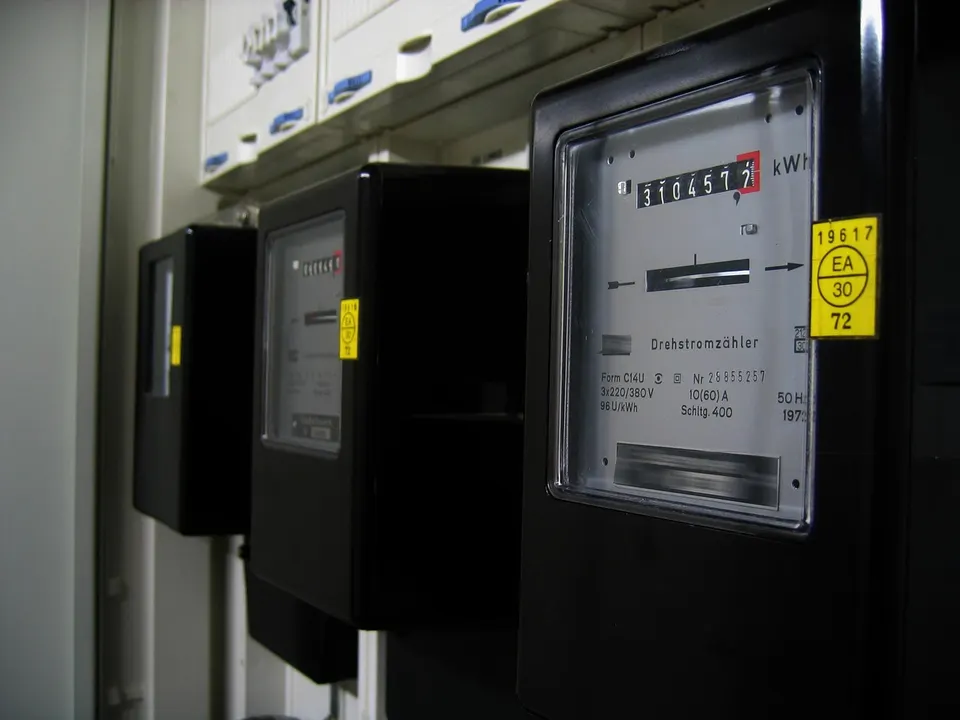
Economy 7 and time of use tariffs: are you on the right one?
How Economy 7 and smart time of use tariffs work, who tends to gain, how EV charging fits in, and a simple sum to check whether your tariff suits your home.
Energy debt: what to do if you are behind on your bills
How to agree an energy repayment plan you can afford, your rights if a prepayment meter is proposed, the 2027 Debt Relief Scheme, grants and free advice.
Fixed tariff vs the price cap: how to compare
How to compare a fixed energy deal with Ofgem's price cap using your own usage, what the January 2027 cap decision means, and how exit fees change the sums.